Nokia
Nokia
Nokia
A Map Dashboard which provides a single pane of glass experience so that user can easily identify and troubleshoot network wide problems on the map view.
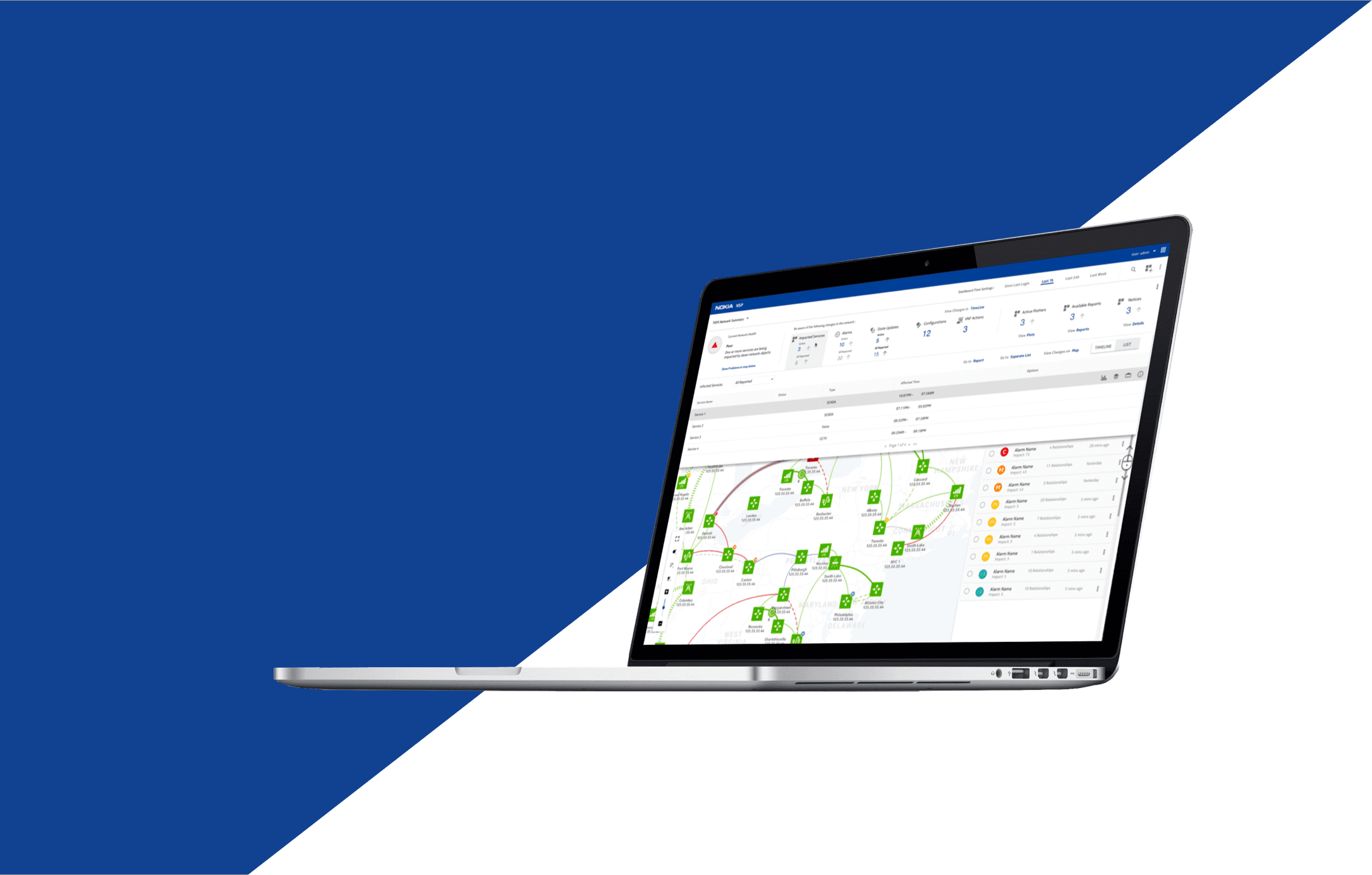
A Map Dashboard which provides a single pane of glass experience so that user can easily identify and troubleshoot network wide problems on the map view.
Company
Nokia
Company
Nokia
Year
2018
Year
2018
Role
Visual Interaction Designer
Role
Visual Interaction Designer
User & Domain Research
I conducted interviews with engineers and developers to understand their workflows, pain points, and expectations for the map dashboard. I also closely studied the existing product, documenting all user needs and mapping them against current functionalities to identify gaps and opportunities for iteration.
I conducted interviews with engineers and developers to understand their workflows, pain points, and expectations for the map dashboard. I also closely studied the existing product, documenting all user needs and mapping them against current functionalities to identify gaps and opportunities for iteration.
Wireframes
Wireframes
I sketched multiple solution directions and reviewed them with engineers and technicians. Their feedback helped narrow the Goals.
I sketched multiple solution directions and reviewed them with engineers and technicians. Their feedback helped narrow the Goals.
Dashboard
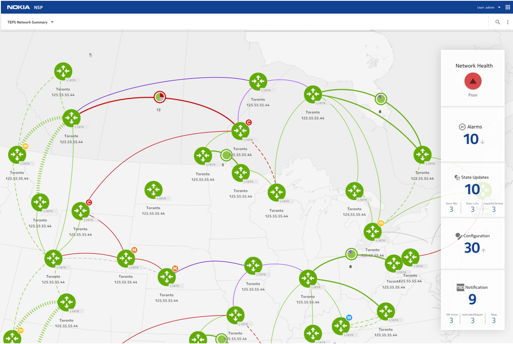
In order to show the general status of network health, I used an icon to represent its health status. I also categorize the alarms in to 4 major sections to make them more organized.
In order to show the general status of network health, I used an icon to represent its health status. I also categorize the alarms in to 4 major sections to make them more organized.
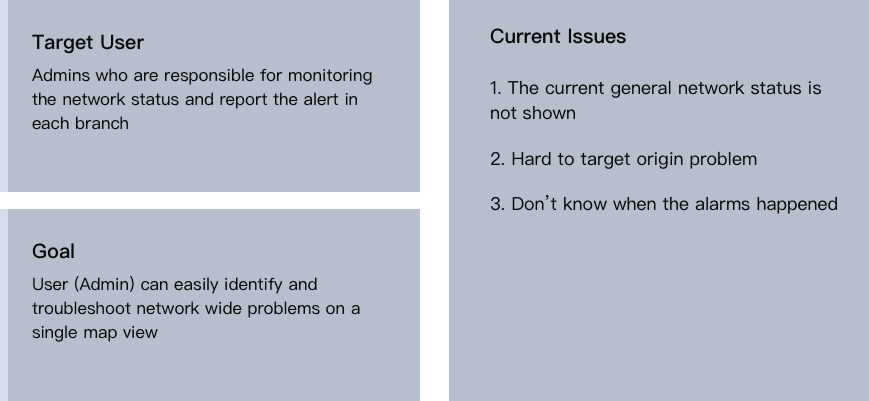
In order to show the general status of network health, I used an icon to represent its health status. I also categorize the alarms in to 4 major sections to make them more organized.
Timeline
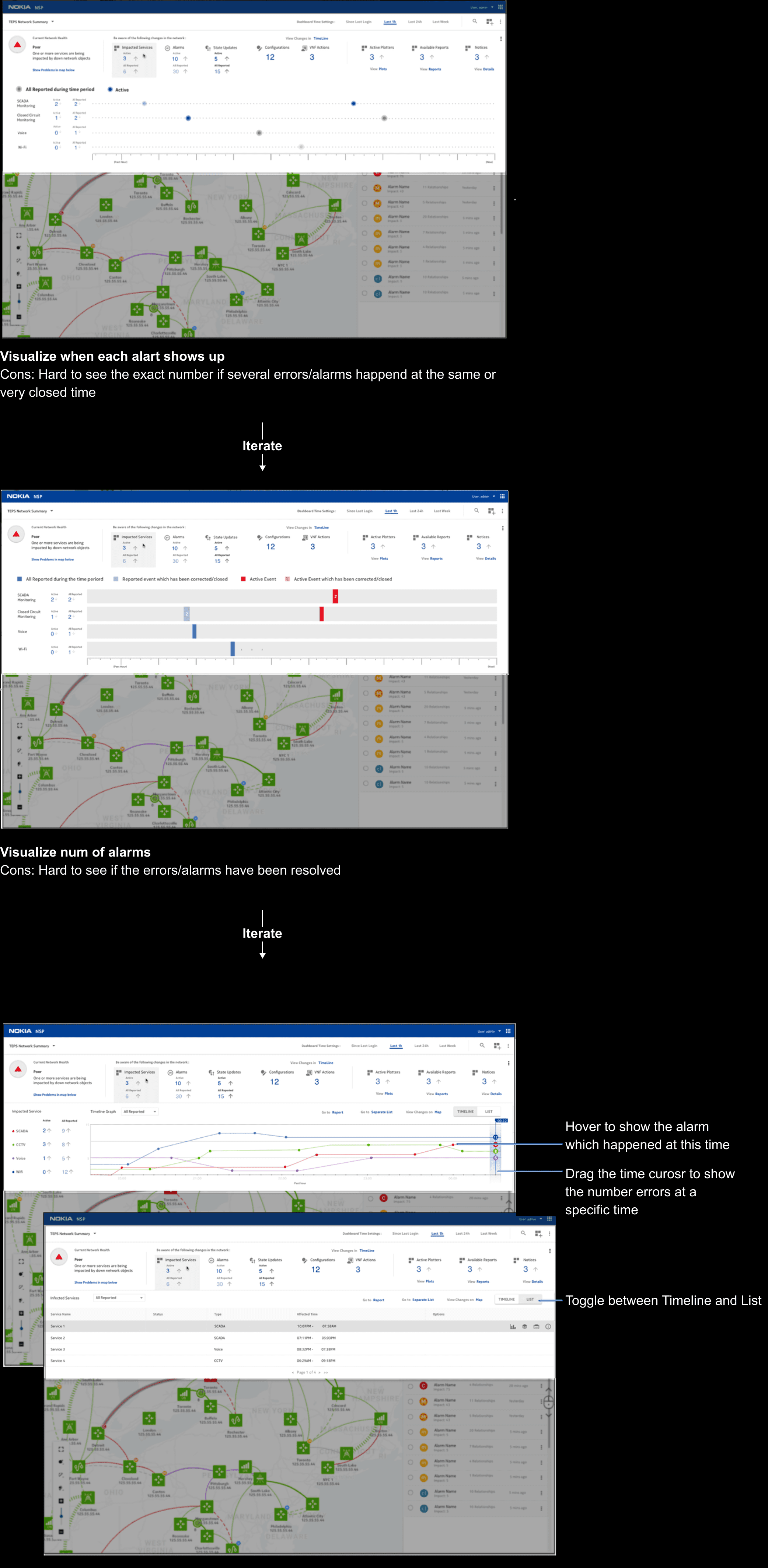
Timeline is showing how network service status changes during a time period.
Timeline is showing how network service status changes during a time period.
Timeline is showing how network service status changes during a time period.
Map
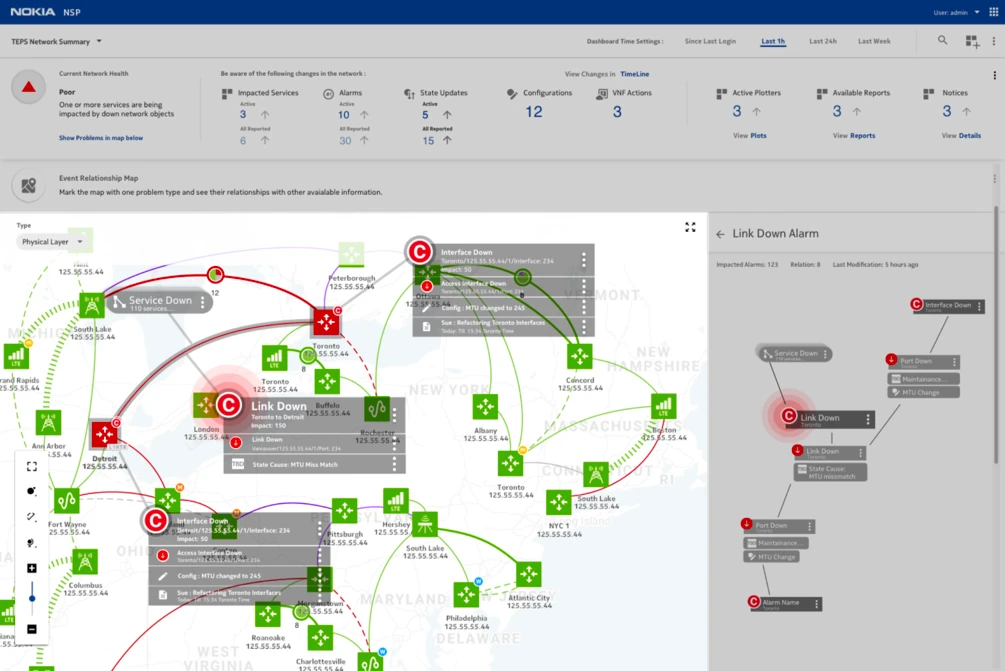
The map not only shows the location of routers, it also show the relationships between each router. As a result, the user can check the alarms, see its relationship, target the origin problem more efficiently on the map and the info graphics besides.
The map not only shows the location of routers, it also show the relationships between each router. As a result, the user can check the alarms, see its relationship, target the origin problem more efficiently on the map and the info graphics besides.
The map not only shows the location of routers, it also show the relationships between each router. As a result, the user can check the alarms, see its relationship, target the origin problem more efficiently on the map and the info graphics besides.